I made this script in 2021 because I wanted my MASCHINE MIKRO MK3 to work in Ableton Live the way it works in MASCHINE. Clips on the pads in their colours, my Drum Rack on the pads, scales, Note Repeat, undo, and no mouse.
Since then more than 2,300 producers have bought it. It runs on the MIKRO MK3, the MK3 and MASCHINE+, in Live 11 and 12.1+, on Windows and Mac. Current version: v1.6.1.
See every mode and button in the interactive user manual:
https://elton47.github.io/MMMk3-User-Manual/
Without a script, Live sees MASCHINE as a plain MIDI controller: the pads don't know your clips and nothing lights up. With it, you launch clips, play your drums, play notes in key, record, quantize and undo from the hardware, and every pad shows Live's own colours.
GET IT
Payhip: https://payhip.com/b/h4tva
Gumroad: https://elton47.gumroad.com/l/mmmk3-live-11-script
Same price and same download on both. Pick the one you like, both support PayPal and other methods.
COMING IN v2 in late 2026:
v2 is a full rewrite, in development now (preview link: YouTube):
- MIKRO MK3: its OLED screen shows what you play and change
- MK3: both colour screens, the 8 knobs and the 8 buttons above the screens
- Every v1 owner gets v2 at 50% off
HIGHLIGHTS
- Pads in Live's colours: clips, scenes, tracks and Drum Rack pads
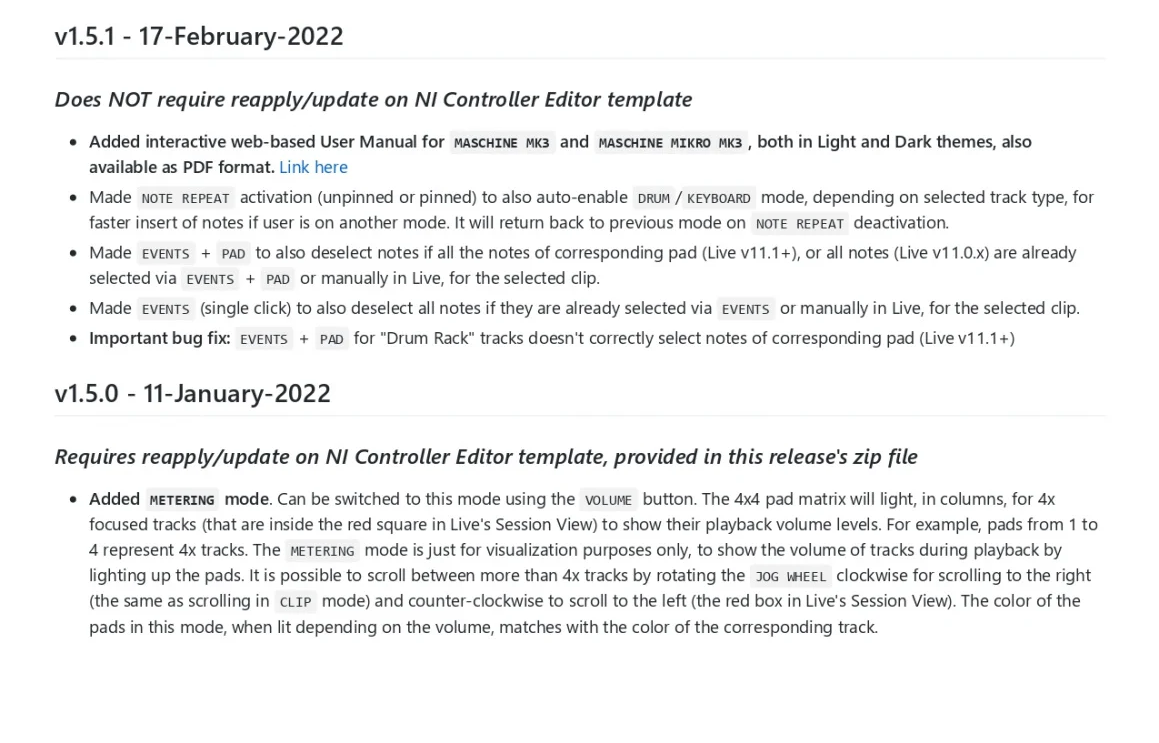
- 6 performance modes: Clip, Scene, Track, Drum, Keyboard and Metering
- Play in key: Live's per-clip scale and root note, in sync both ways
- Note Repeat on the touch strip, at any rate
- Edit without the mouse: undo, quantize, transpose, nudge, copy and paste notes
- Stop, solo and mute many tracks at once
- Windows and macOS, Ableton Live 11 and 12.1+
- Complete and stable at v1.6.1. v2 is coming, at 50% off for every v1 owner (see above).
WORKS ON
- MASCHINE MIKRO MK3 (built for it, since 2021)
- MASCHINE MK3 and MASCHINE+, with the MIKRO layout
Full MK3 support, including the colour screens and knobs, comes in v2 in late 2026.
EVERYTHING IT DOES
CLIP
- Launch clips, pads in the clip's colour
- Create and record a clip
- Duplicate, double or delete a clip
SCENE
- Launch scenes, pads in the scene's colour
- Duplicate or delete a scene
TRACK
- Select any track, return track or the master, pads in the track's colour (white when muted)
- Create MIDI or audio tracks
- Duplicate or delete a track
- Arm, solo and mute
METERING
- Live levels of 4 tracks on the pads, in each track's colour
- Scroll left and right for more tracks
DRUM
- Play 16 Drum Rack pads, scroll for more
- Pads in each pad's colour (white when muted)
- Optional auto-colouring by name ("Kick" turns red)
- Solo and mute pads
- Note Repeat
KEYBOARD
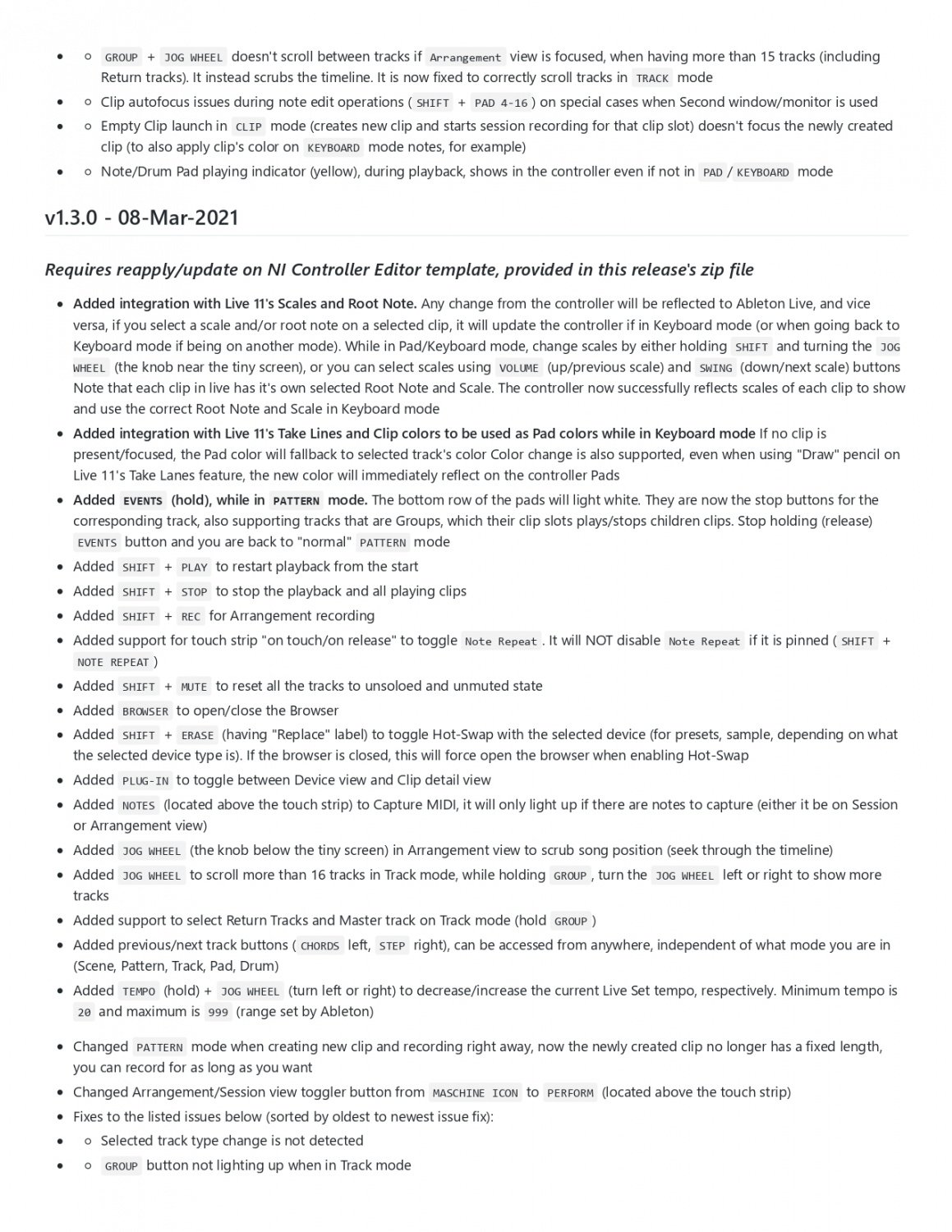
- Play the selected MIDI track, pads in the clip's colour, root notes brighter
- Live's per-clip scale and root note, in sync both ways
- Change scale, root note and octave from the hardware
- Note Repeat
SHIFT
- Undo and redo
- Quantize (100% or 50%) to the clip's grid
- Nudge, clear, copy and paste notes (selected or all)
- Transpose in key, or by octave
- Clear the clip's envelopes
EVENTS
- Select notes of the selected MIDI clip, laid out like KEYBOARD
STOP, SOLO, MUTE
- Stop, solo or mute several tracks at once
- Stop all clips without stopping playback
TRANSPORT AND MORE
- Play, restart, stop, Session and Arrangement record
- Note Repeat: touch the strip to start it, or pin it on. 1/16 by default.
- Selected track: volume in 1 dB steps, arm, solo, mute, duplicate (the clip, when one is selected)
- Capture MIDI, automation arm, metronome
- Tap tempo, tempo in 1 BPM steps, groove swing
- Show or hide Live's browser
- Switch Session / Arrangement and Device / Clip view
WHAT YOU GET
- The script for Ableton Live (Windows and macOS)
- The MASCHINE template, ready to load
- A step-by-step install guide, the user manual and the changelog
- The interactive manual: https://elton47.github.io/MMMk3-User-Manual/
- Lifetime access to the download, and direct support from the developer
REQUIREMENTS
- Ableton Live 11, or 12.1 and later
- MASCHINE MIKRO MK3, MASCHINE MK3 or MASCHINE+
- MASCHINE software installed (it brings the drivers)
- The controller in MIDI mode (SHIFT + MASCHINE)
- RESTART works as SHIFT (MASCHINE's SHIFT button can't send MIDI in MIDI mode)
FAQ
Do I need to run the MASCHINE software?
No. It only needs to be installed, for the drivers.
Does it work with Live 12?
Yes, Live 12.1 and later, and Live 11.
Mac or Windows?
Both.
Do I need to map anything?
No. Load the included template once, pick the script in Live, switch MASCHINE to MIDI mode and play.
Will v1 get more updates?
v1 is complete at v1.6.1. New work goes into v2, and v1 owners get it at 50% off.
Does it use the MK3's screens?
Not in v1. The colour screens come in v2.
SUPPORT
Questions, bug reports and feature requests:
This forum thread
or email eltoni.memishi@live.com
Always use the latest version.
Unofficial. Not affiliated with Native Instruments or Ableton. MASCHINE is a trademark of Native Instruments. Ableton Live is a trademark of Ableton AG.