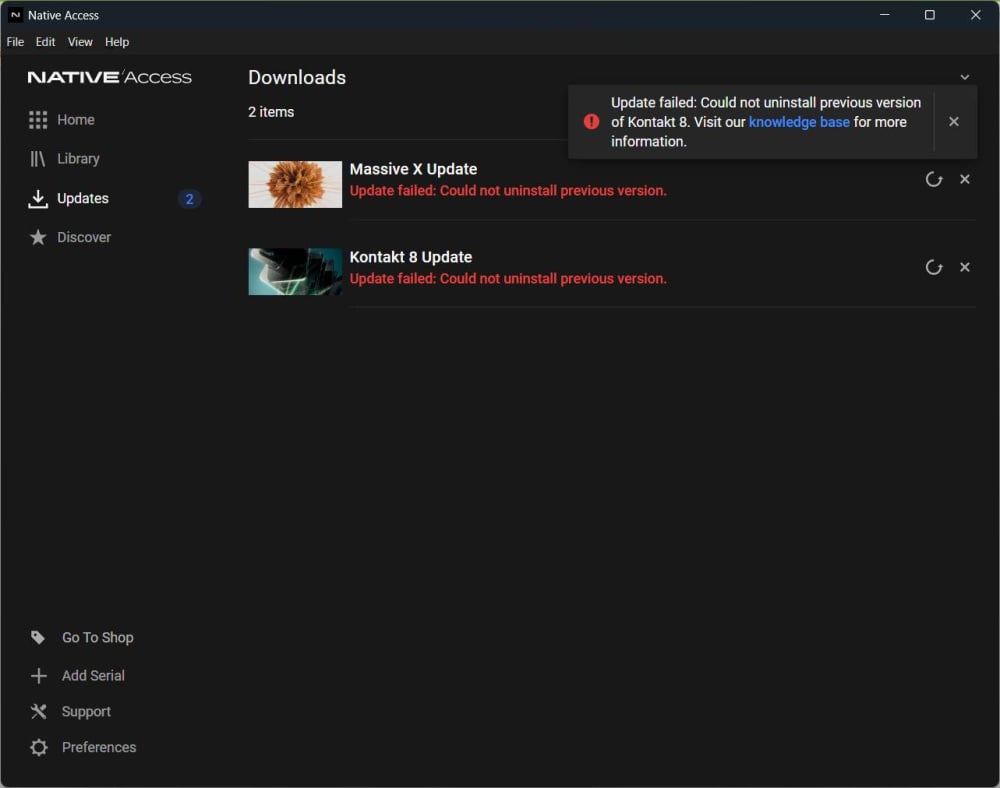
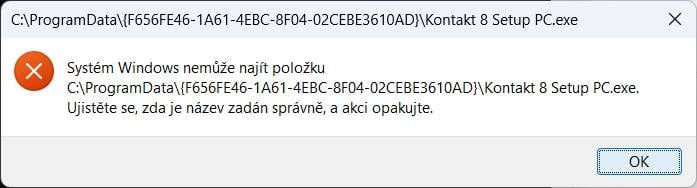
EVERY new update of Kontakt 8 and Massive X in Native Access fails like this. Look at the screenshots. Why? Even if I complexly uninstall both items and reinstall, the next update will turn out the same. :-/
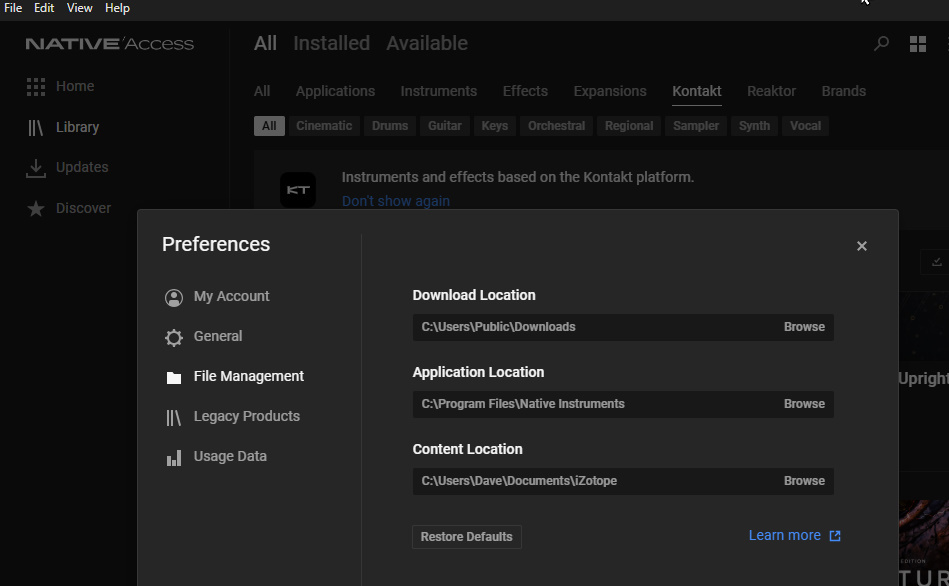
I would think the place to start is to look under File→Preferences→File Management and browse to your Application Location and Download Location to make sure they're valid. That's where the System applications (like Native Access) get stored and the downloaded working files get stored when they're updating. Content location is the default used for new downloaded products which is the one you should change when you download new products.
By the way, all other Kontakt instruments are updated normally and correctly…
Thank you DunedinDragon!