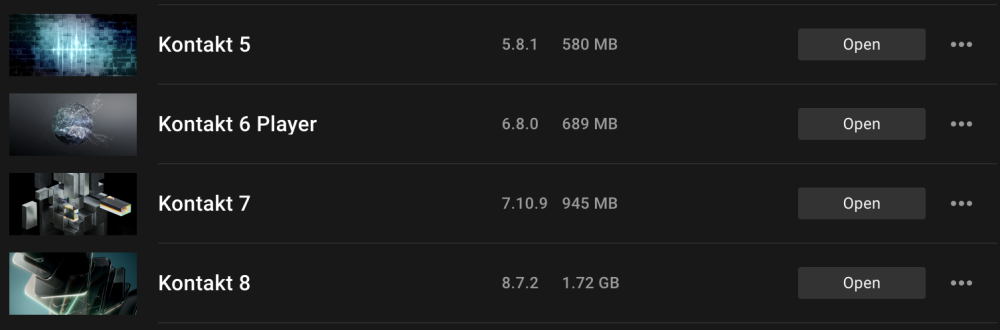
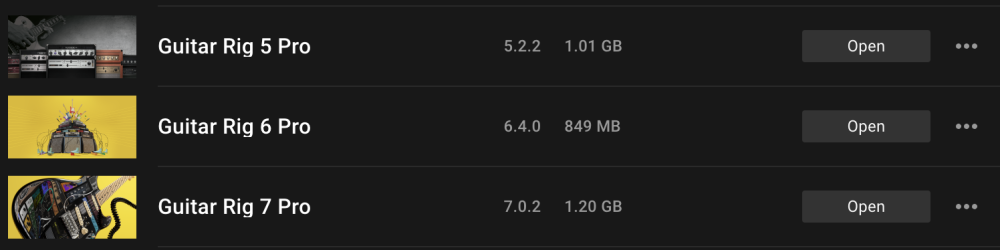
I see that Kontakt 5 to 8 are available in my Komplete 15 Standard bundle — and Guitar Rig 5-7, Ozone 10-11, Glaze 1-2 too. Can I get rid of previous versions and keep only the newest, or do I have to keep them all for any reason?
Hello
Generally no, it is not a good idea to keep old versions.
However, there are multiple exceptions.
In your case, you can safely get rid the Kontakt 5 and Kontakt 6 Player (never keep a "player" version if you have a full version!), the Ozone 10 Standard and the Guitar Rig 5 Pro. Those are useless anymore.
For Kontakt 7 and Guitar Rig 6 Pro, it depends: If you still use them in old projects it is best to keep them. However, it is even better if you gradually replace them with the new versions and then, uninstall them too.
For Glaze, it strictly depends on Kontakt: If you keep Kontakt 7, keep both Glaze versions, otherwise (if you keep only Kontakt 8) just keep Glaze 2.
I would say that it generally depends on whether you have (old) DAW projects using these. I am not sure how auto-migration works for Guitar Rig and Ozone. As for Kontakt 7 or 8, it works rather seamlessly.
Glaze and Glaze 2 are different products, so you may want to keep both installed.
You can uninstall them, so they're not taking up space on your drive, but you can't "get rid" of them i.e. so they won't show in Native Access (because Native Access shows the products you own).
I read your post as “rid” in your “view” in Native Access.
If it’s just an uninstall - yes - you do not need to install all versions - just the ones you want.
VP
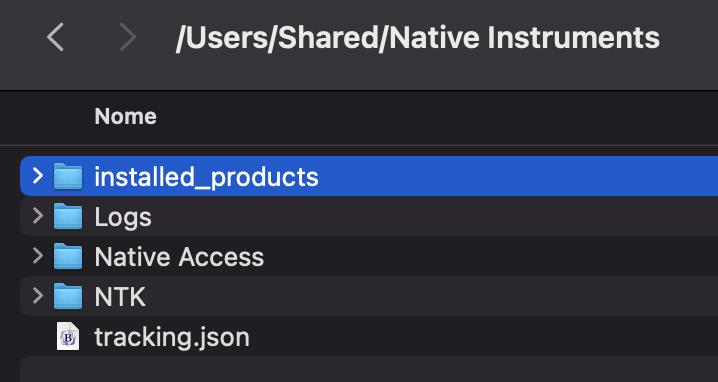
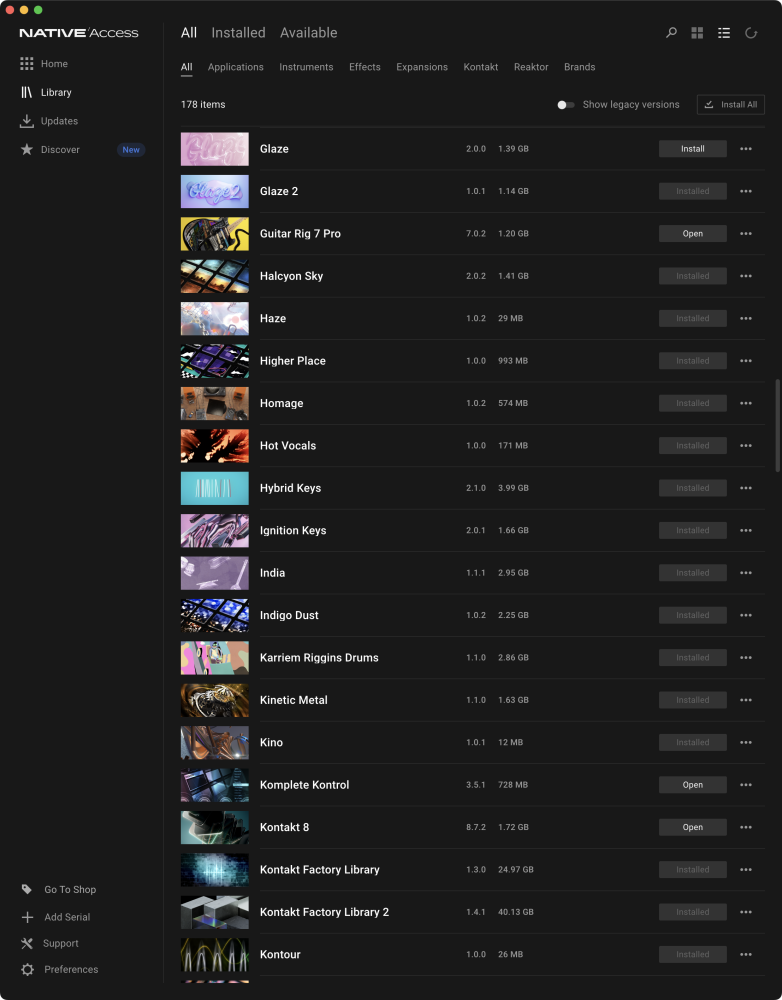
OK, for some reason (clearly a bug of the installer), the "installed_products" folder (where to find the "json" files) was installed in the "Shared" folder (???). I deleted all the unwanted "json" files from there and now the Native Access application shows correctly what's actually installed.
All products licensed to you (via your NI account) are listed.
There is no way to remove them from your Native Access view - unless you contact support and have them delete your licence permanently.
But you would lose the use of that license forever.
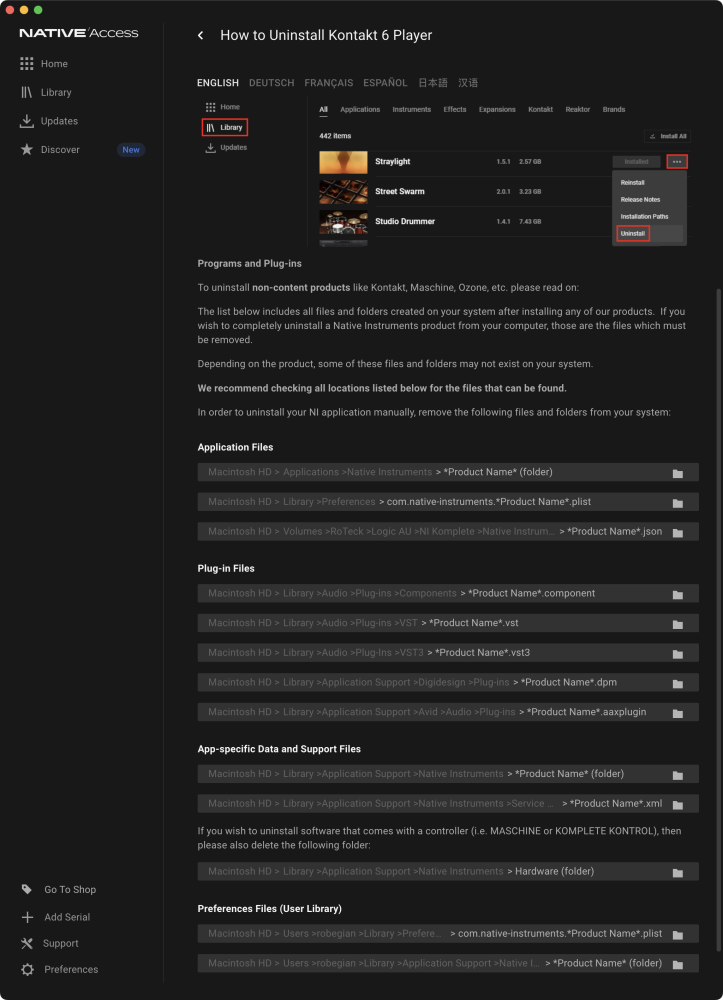
Thanks to those who replied. Actually, I got conflicting answers: Vocalpoint says "that there is no way to remove them" but trying to remove Kontakt 6 Player, I found this (see picture). Is it safe to proceed?
OK thanks again. When I wrote "get rid", I intended basically "uninstall" — no problem if they still show in Native Access application, provided they're uninstalled.
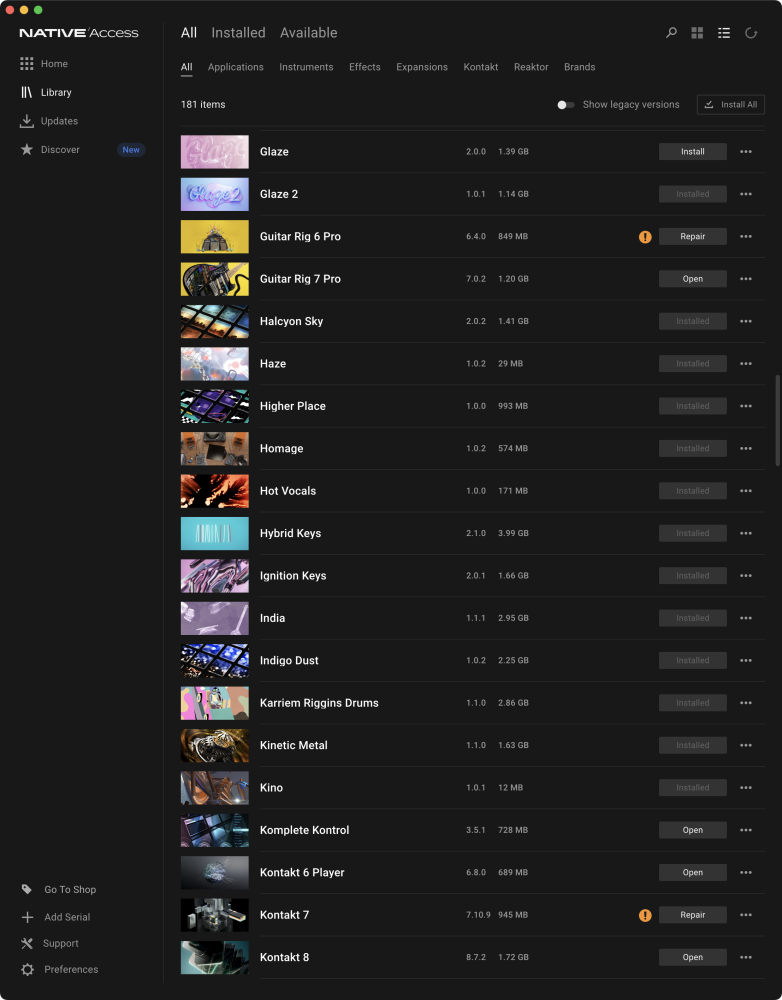
Now I have another problem: while Guitar Rig 5, Kontakt 5 and 6 have regularly disappeared from Native Access, Guitar Rig 6 and Kontakt 7 show the "repair" exclamation mark (see picture). I deleted the app folders and the "plist" files in Preferences (in both Libraries) but these two insist on showing. Did I miss a step or something? By the way, the uninstall instructions say that there are also "json" files to remove, but I didn't find any.