Hi NI Team, I’d like to request a UX improvement for Maschine+ that will greatly help dawless and live performance users:
Feature Request : Add an option to display the Master Output Meter inside the Mixer View.
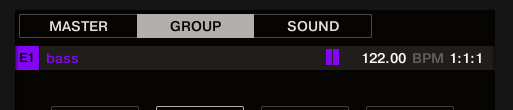
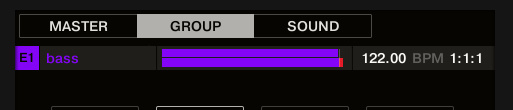
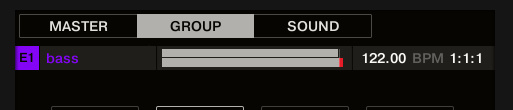
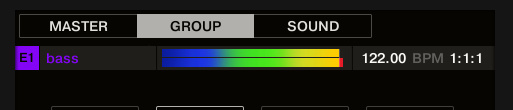
Current Behavior : Mixer mode only shows Group/Sound meters, The Master meter exists, but only in the Master layer, Users must switch layers to check clipping / gain staging
Proposed UX : In Mixer Mode, press: SHIFT + Button 8 (Master), This toggles “Pin Master Meter”, Master meter appears at far left of mixer strips (temporarily replaces the 8th channel slot)
Why this matters : Maschine+ is used as a live instrument.
During a live jam or performance we need to quickly confirm : Master level health, Clipping status, Limiter behaviour, Overall output headroom, Jumping in/out of Master layer interrupts performance flow.
Benefits : Faster performance monitoring, UX consistency with Maschine software, No new DSP load - UI only, Small feature, huge real-world value.
Maschine+ is a performance instrument - Master metering should always be one glance away.
This would be a very welcome quality-of-life update for stage and DAW-less musicians.
Thanks for considering!