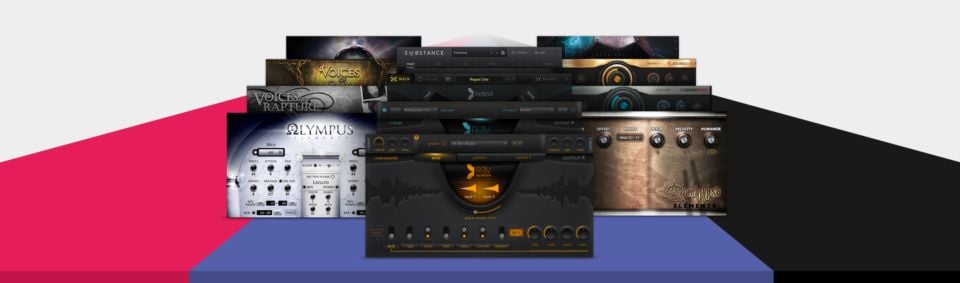
Adding this thread for user-made NKS for Kontakt.
First up is Samples from Mars (I didn't make these but am assured they work)
https://www.dropbox.com/scl/fi/zhw0oy0pw5cf80wddii6u/Samples-from-Mars.zip?rlkey=hf99j3wkxdys75jlcumitfbmp&dl=0
Here are some NI resources for Samples from Mars in case you didn't have them in the presets download.
These have now been updated with previews
https://www.dropbox.com/scl/fo/c1x57rbbbmrvrteb77wyi/AF5AaXUTuVxmio0l5qLyRJc?rlkey=caj7k44gvpfin6mgktxx4hfpg&dl=0
Preview sound for Kontakt instruments: CineTrance NEO Series Pad, Bass and Keys .
https://cinetrance-records.com/products/neo-series-pads-kontakt
https://cinetrance-records.com/products/neo-series-bass-kontakt
https://cinetrance-records.com/products/neo-series-keys-kontakt
At CineTrance web appairs NKS ready, but are partially compatible NKS with:
Regards.
Hi, I've added presets, categories, knob mappings (with labels) and new colors at lightguide into CineTrance NEO Series Pad, Bass and Keys. (Preview sounds are adapted to new presets).
Presets are nksn snapshots and are saved into a new "Presets-NKS" bank. You will see original nki instruments appear into an "instrument" bank. The snapshots improve the shortcomings of the nki instruments, so I only use the "Presets-NKS" bank, I ignore the original instruments bank.
Just copy "Presets-NKS" folder at root folder in each NEO Series instrument, KK rescan, load NEO Series instrument, select "Presets-NKS" bank and just use new snapshots.
Works on Kontakt 8.8.1 Full
8Dio 8Dioboe
NI Resources, 1 nksn preset and knob mappings.
As it's an un-official NI plugin, some things are buggy (MST_logo only appears pressing browser button, at plug-in button shows Kontakt image at KK S MK2; some parameter values don't show but work).
Dark Intervals Arctica
NI Resources, nksn preset banks, metadata and knob mappings.
Sorry, these presets only work for Kontakt 8.9+ (plugin requires full version).
NOTE: As it's an unofficial NI plugin, some features are buggy. For example, the MST_logo only appears when pressing the browser button, while the plug-in button displays the Kontakt image on the KK S MK2. Additionally, some parameter values don't show up, even though they work perfectly.
Fluffy Audio - Bamboo Xaxophone
NI Resources, 1 nksn preset, metadata and knob mappings (only Tune, Pan & Vol)
Replace Xaxophone.nki (this contains host automation, CCs and lightguide improvement).
Also, rename your instrument folder with the name I have given it so you won't have any issues loading the NKS preset.
Kontakt 7.10.9+
Cheers
Fluffy Audio - Koto (free)
Replace Koto.nki (it contains host automation).
Enjoy
Zero-G - Ethera Gold Sahara Voices
NI Resources, 5 nksn presets+preview sounds, metadata and all knob mappings.
Replace nki's (they contain host automation and lightguide improvements).
Regards!
Fluffy Audio - Simple Opera Singer
NI Resources, 3 nksn presets+preview sounds, metadata and 4 knob mappings.
Cinematique Instruments - KLANG Bodega Strings (Free)
NI Resources, 1 nksn presets+preview sound, metadata and 8 knob mappings.
Replace nki (it contains host automation and lightguide improvements).
Greg Bedford - Bamboo (Free)
NI Resources, 1 nksn presets+preview sound, metadata and 3 knob mappings (tune, pan, vol).
Replace nki (it contains host automation).
Performance Samples - Oceania II Choir
NI Resources, 6 nksn presets+preview sounds, metadata and all knob mappings.
Kontakt Factory Library
Only artwork.