- Download an .nksf preset file from the Absynth User Library in the online community.
- Open Absynth 6
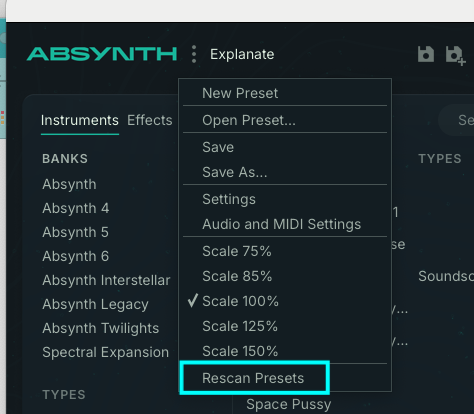
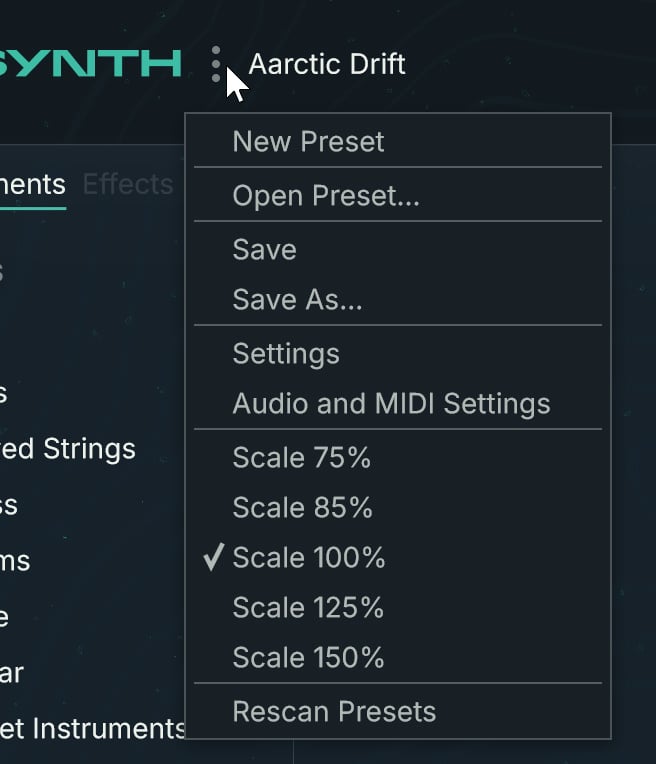
3. Open the Absynth menu by clicking the three dots right of the Absynth logo and select "Open Preset…".
4. In the dialog, navigate to the containing folder on your hard drive, select the desired preset file, and click Open or double-click the file to load it. The selected preset will replace the current preset.
Important note: Absynth 6 includes backwards compatibility, allowing you to load user presets from Absynth 4 and Absynth 5.