2. Design your sound
Once you're happy with your preset, click the floppy disk icon to save it.
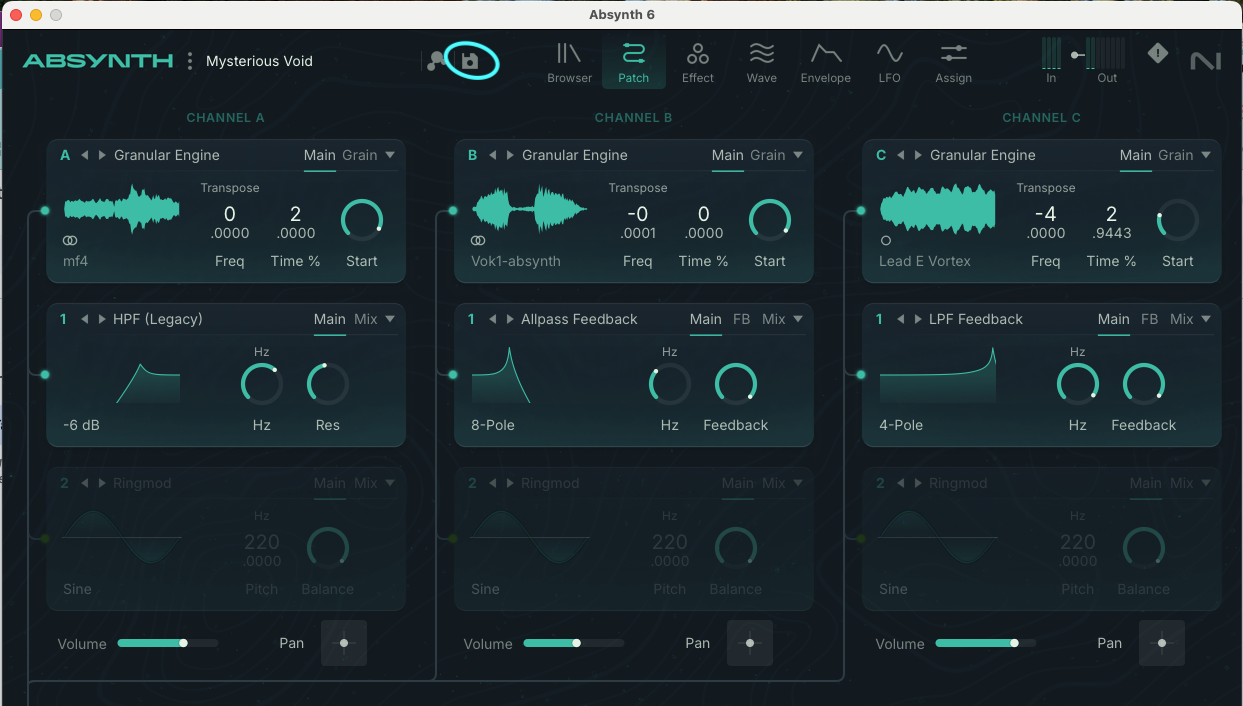
3. Give your preset a name
Add yourself as the author, and hit Save.
4. Locate the preset file in your User Library
In Absynth 6 you can save your preset wherever you want. However, this is the default user preset section:
Mac: Macintosh HD/Users/username/Documents/Native Instruments/User Content/Absynth 6/Sounds
Windows: C:\Users\YOURUSERNAME\Documents\Native Instruments\User Content\Absynth 6/Sounds
5. Create a post in the Absynth User Library on the online community.
What to include:
• Your .nksf preset file. Just drag and drop it into the draft.
• A 30 second audio demo showcasing how your preset sounds in action.
• A short description. What's the genre, vibe, or inspiration?
• An image to help your post stand out.
6. Hit “Post”
7. Watch the feedback roll in
Keep an eye on the comments. You might just get featured in our newsletter, blog, or social media.